
Top 5 Editing Apps for Your Needs
Discover the best editing apps for photos, videos, and documents. Our review covers top 5 editing apps with pros, cons, and specs.
In the digital age, editing apps have become indispensable tools for both professionals and casual users. Whether you're looking to enhance your photos, create stunning videos, or edit documents, the right app can make a significant difference in your output. This review covers the top 5 editing apps, providing insights into their features, pros, cons, and specifications to help you make an informed decision.
Table of Contents
1. Adobe Photoshop Express
Rating: ⭐⭐⭐⭐⭐ (5/5)
- User-friendly interface
- Wide range of editing tools
- Regular updates and new features
- Available on multiple platforms
- Subscription-based model
- Can be resource-intensive
| Feature | Description |
|---|---|
| Platform | iOS, Android, Web |
| Editing Tools | Adjustments, filters, effects, overlays, and more |
| Collaboration | Share and edit with others in real-time |
| Storage | Cloud-based storage |
2. Canva
Rating: ⭐⭐⭐⭐ (4/5)
- Intuitive drag-and-drop interface
- Extensive template library
- Collaboration features
- Free version available
- Limited advanced editing tools
- Some features require paid plans
| Feature | Description |
|---|---|
| Platform | iOS, Android, Web |
| Editing Tools | Basic adjustments, filters, and design elements |
| Templates | Over 100,000 templates for various uses |
| Collaboration | Share and edit with others in real-time |
3. VSCO
Rating: ⭐⭐⭐⭐ (4/5)
- High-quality presets and filters
- Strong community and social features
- Regular updates and new tools
- Limited free version
- Some features require paid plans
| Feature | Description |
|---|---|
| Platform | iOS, Android |
| Editing Tools | Adjustments, filters, presets, and effects |
| Community | Share and discover content from a large community |
| Presets | Over 1,000 presets from professional photographers |

4. iMovie
Rating: ⭐⭐⭐⭐ (4/5)
- User-friendly interface
- Wide range of video editing tools
- Integration with other Apple services
- Limited advanced features
- Mac-only for some features
| Feature | Description |
|---|---|
| Platform | iOS, Mac |
| Editing Tools | Trimming, transitions, effects, and more |
| Integration | Works well with iCloud, Photos, and other Apple services |
| Templates | Over 100 templates for various video styles |
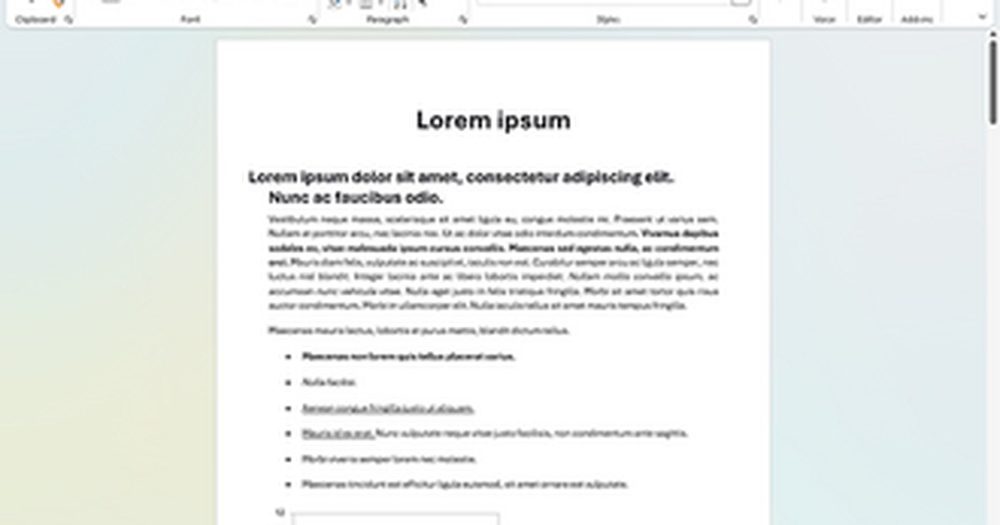
5. Microsoft Word
Rating: ⭐⭐⭐⭐ (4/5)
- Robust editing tools for documents
- Integration with other Microsoft services
- Available on multiple platforms
- Learning curve for advanced features
- Some features require paid plans
| Feature | Description |
|---|---|
| Platform | Windows, Mac, iOS, Android, Web |
| Editing Tools | Formatting, spell check, grammar check, and more |
| Integration | Works well with OneDrive, Outlook, and other Microsoft services |
| Templates | Over 100 templates for various document types |

Frequently Asked Questions
Which editing app is best for beginners?
Canva and Adobe Photoshop Express are great options for beginners due to their user-friendly interfaces and extensive template libraries.
Are there any free editing apps available?
Yes, Canva and VSCO offer free versions with some limitations. Adobe Photoshop Express also has a free version with basic features.
Can I use these apps on multiple devices?
Yes, most of these apps are available on multiple platforms, including iOS, Android, and web browsers, as well as desktop versions for Mac and Windows.
Final Thoughts
Choosing the right editing app depends on your specific needs and preferences. Adobe Photoshop Express offers a comprehensive set of tools for professional use, while Canva and VSCO are excellent for creative and social media purposes. iMovie is ideal for video editing, and Microsoft Word is perfect for document editing. By considering the pros, cons, and features of each app, you can make an informed decision and enhance your editing experience.