
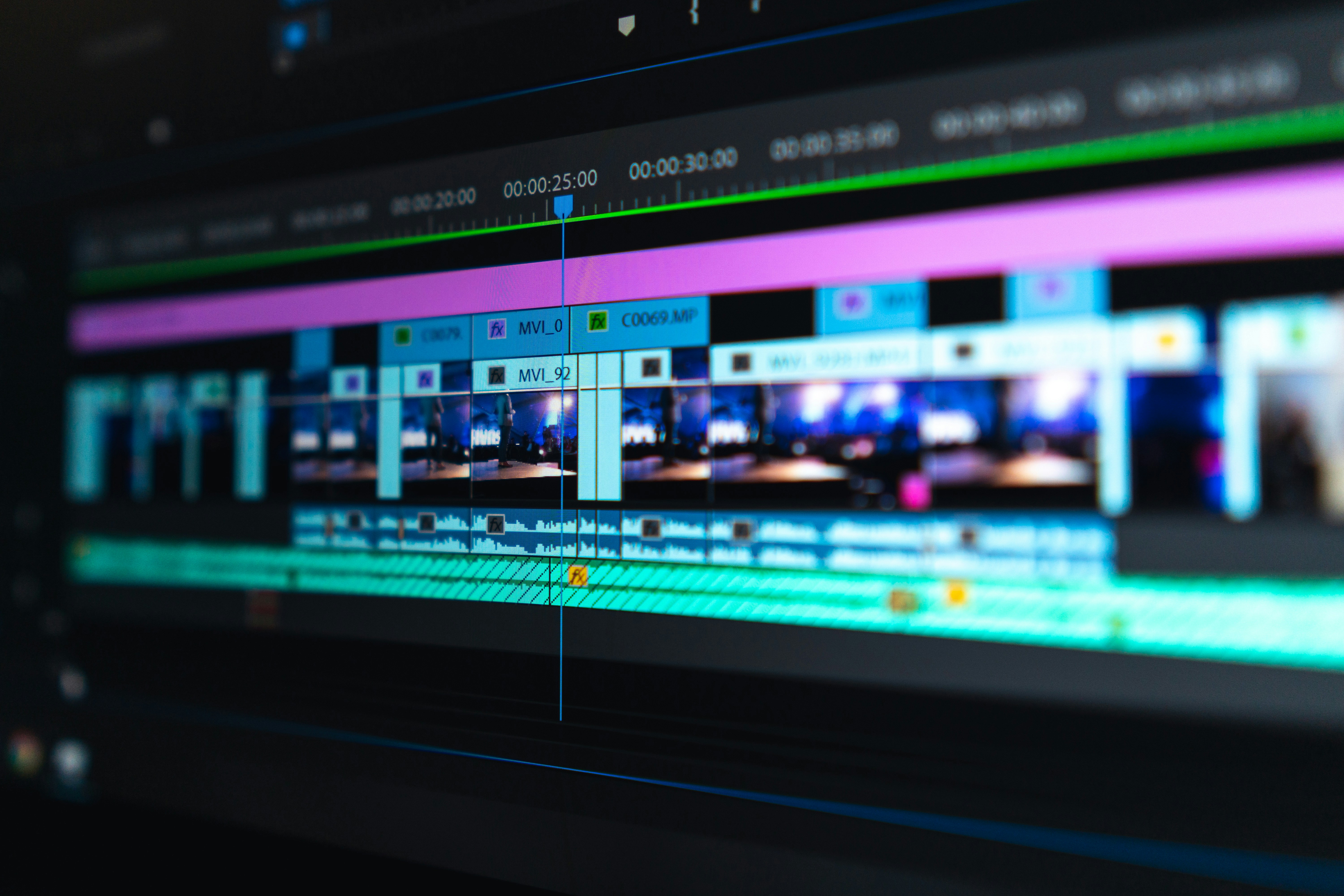
In 2026, video content dominates the internet. With millions of creators uploading shorts, recaps, and long-form commentaries every day, the competition to grab viewer attention is fiercer than ever. While having a great script or concept is important, how you present that story makes all the difference.
Video editing is no longer just a technical step in content creation; it is a storytelling tool that directly impacts audience retention. Channels that master advanced editing techniques, pacing, and visual engagement are skyrocketing in growth, while poorly edited videos struggle to get views.
In this article, we will explore why video editing is an essential skill for modern creators and how it can help you grow a successful YouTube channel.
The Power of First Impressions: Thumbnails and Intros
The first few seconds of your video decide whether a viewer will stay or click away. High-quality visuals combined with a sharp, punchy introduction are vital to keeping your audience hooked.
Professional editors use pacing, music cues, and dynamic zoom-ins right at the start to build curiosity and deliver on the promise made by the thumbnail.
Key Elements of a Strong Video Hook:
- Fast-paced visual changes
- Clear, bold text overlays
- Engaging sound effects (SFX)
- Elimination of dead air or long pauses
- A preview of the most exciting part
A well-edited hook drastically reduces bounce rates, signaling to the YouTube algorithm that your video is worth promoting.
Pacing and Audience Retention

Audience retention is the single most important metric on YouTube. If viewers watch your video until the end, YouTube will recommend it to millions of others. This is where professional editing saves the day.
Good pacing means knowing when to speed up the explanation and when to slow down for emotional impact. Using creative transitions and b-roll footage keeps the screen dynamic and prevents viewer boredom.
Editing Techniques That Boost Retention:
- Pattern Interrupts: Changing the visual every 3 to 5 seconds.
- B-Roll & Overlays: Showing relevant images or clips while explaining a concept.
- J-Cuts and L-Cuts: Smooth audio transitions between scenes.
- Kinetic Typography: Animated captions that make spoken words easy to follow.
By keeping the viewer's eyes engaged, you naturally increase your watch time and channel authority.
The Role of Sound Design
Many creators focus entirely on visuals and forget that audio represents 50% of the video experience. Poor sound quality or misplaced background music can ruin an otherwise perfect video.
In 2026, professional sound design—including ambient tracks, crisp voiceovers, and realistic sound effects—is what separates amateur videos from viral hits.
Sound Design Best Practices:
- Balance background music so it never drowns out the voiceover
- Use sound effects (like whooshes, clicks, and thuds) to emphasize visual changes
- Clean up background noise and hiss using modern audio tools
- Match the music genre to the emotional mood of the scene
Great audio creates an immersive experience that keeps viewers subconciously connected to your content.
Optimizing Videos for Shorts and Reels

Short-form vertical video is one of the fastest ways to gain subscribers today. However, editing a vertical video requires a completely different approach than a traditional 16:9 widescreen video.
Because attention spans on shorts are incredibly short, your editing needs to be lightning-fast, highly visual, and optimized for mobile screens.
Tips for Editing Viral Shorts:
- Use a 9:16 vertical aspect ratio
- Place key elements, logos, and captions in the middle "safe zone"
- Add auto-captions with colorful, energetic fonts
- Keep the total duration tight, focused, and punchy
Mastering vertical editing allows you to repurpose your long-form content into highly shareable short clips.
AI Tools and the Future of Editing

The rise of artificial intelligence in 2026 has completely changed the video editing landscape. Smart creators are using AI not to replace their work, but to speed up their workflow.
AI tools can assist with tedious tasks like generating captions, color grading, removing background noise, and even finding the best clips for b-roll.
How Creators Use AI to Edit Faster:
- Automated smart-cutting to instantly remove silences
- AI-driven text-to-speech for professional narration options
- Instant background removal without using a green screen
- Predictive tracking for smooth visual effects
Learning how to blend traditional editing software skills with modern AI tools will save you hours of work and boost your production quality.
Final Thoughts
Investing time into learning and upgrading your video editing skills is the best decision you can make for your YouTube channel in 2026. It enhances your storytelling, keeps your audience hooked, and helps you stand out in a crowded market.
Whether you are explaining complex concepts, recapping stories, or making entertainment videos, crisp editing is your ultimate superpower for growth.
Focus Keyword: Video Editing for YouTube Creators 2026
Meta Description: Discover why mastering video editing is crucial for YouTube creators in 2026. Learn top retention strategies, sound design tips, short-form optimization, and how to use AI tools for viral growth.